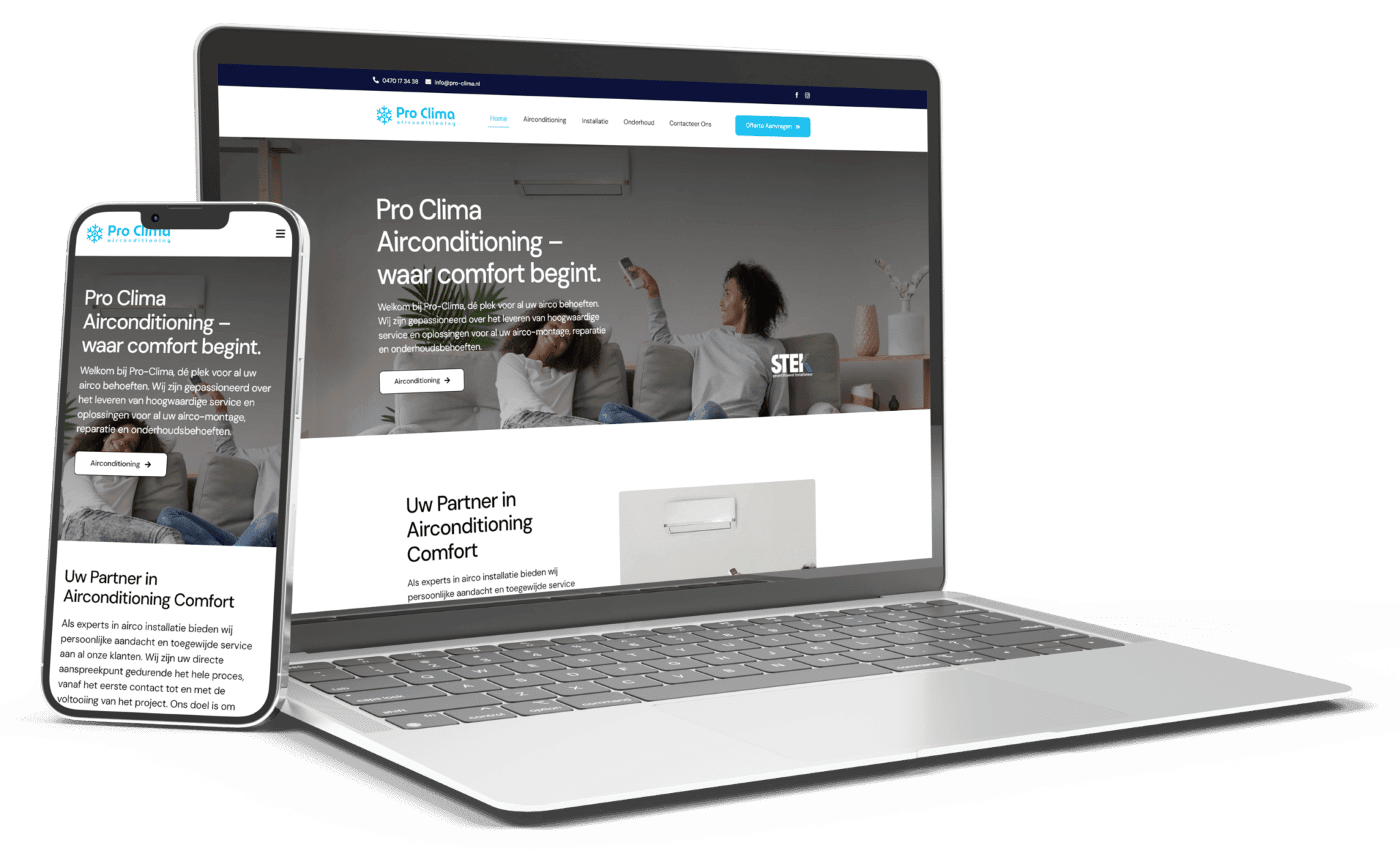
Jij hebt een website. Hij ziet er goed uit. Misschien heb je zelfs geld in een mooi design gestopt. En toch: de telefoon blijft stil, je contactformulier levert niks op.
Usually, you end up thinking, “My website is just bad.” But that’s not true. Most websites that don’t deliver results don’t have a design problem—they have a conversion problem. Visitors who end up there either don't know why you're different, or they're hesitant to provide their information, or they don't even know how to get in touch.
In this article: seven specific reasons why your website isn't generating quote requests—and how to fix them today.
1. You don't provide a clear reason for contacting us
The problem: Many websites explain what you do, but they don't explain why a visitor should choose you or what will go wrong if they don't.
For example, you might write: “We create beautiful websites” instead of “We make sure your website not only looks good, but also generates more requests for quotes.”
The first one describes what you do. The second one describes what you, as an entrepreneur, results in. Visitors don't want a website—they want more customers.
The fix: Rewrite every key page. Instead of “We build WordPress websites with Elementor,” write: “You finally want to get more leads from your website. That’s why we build websites that not only look great but also convert visitors into leads.”
2. Your CTA disappears from view
The problem: Een “Neem contact op”-button onderaan je homepage bereikt veel bezoekers nooit. Ze scrollen niet door. Ze hebben al besloten.
Worse yet: you may have a form, but it looks generic, is tucked away at the bottom of the page, and simply says “Submit this form”—what’s in it for them? Why would a visitor want to share their information?
The fix: Zorg dat je CTA vijf keer voorkomt op elke pagina waar het relevant is. Niet overdreven, maar strategisch: na je hoogtepunt, voor je prijzen, in de sidebar, na je reviews, en zeker onderaan. En maak de tekst van elke knop duidelijk: “Vraag een vrijblijvende offerte aan” of “Schedule a free consultation” — not just “Submit.”.
Even better: add a benefit. “Get your quote tomorrow” or “No contracts—complete freedom.”

3. You make claims without proving them
The problem: “We’re the best.” “More than ten years of experience.” “Hundreds of satisfied customers.” Sounds great, but who believes it?
A visitor thinks, “That’s what all agencies say.”
The fix: Toon, niet zeg. Gebruik concrete getallen (15 jaar ervaring, +200 websites gemaakt), echte testimonials met naam en bedrijf van klanten (niet “J. M., ondernemer”), screenshots of websites you've created, and colored badges that clearly indicate what you guarantee (no lock-in contracts, a personalized approach, transparent pricing).
Bij WEBSTIJL bijvoorbeeld plaatsen we “15 jaar ervaring, +200 websites, 100% klanttevredenheid” niet omdat het mooi klinkt, maar omdat het verificabel is. Bezoekers voelen dat.
4. You're asking for too much information on your contact form
The problem: Your contact form asks for name, email, phone number, company name, website, budget, reason for the inquiry, and three more questions. Many potential customers see that and don't fill it out.
Psychology: The more fields there are, the lower the conversion rate. Every additional question costs you visitors.
The fix: Keep your contact form as simple as possible. For an initial inquiry, the following information is sufficient: name, email (or phone number), company name, and one open-ended question: “What do you want to achieve?”
Verdere details kan je altijd nog in het gesprek vragen. De eerste stap moet laagdrempelig zijn. Hoe eeenvoudiger je formulieren, hoe meer aanvragen.
5. Your price is unclear (or missing entirely)
The problem: Many business owners are hesitant to mention their price. They hope to have a conversation first. But potential customers want to have a rough idea of what to expect before they even call.
A website without any price information gives the impression that “This is probably very expensive” or “This works differently than I expected.”
The Fix: Publish Starting prices. Not the exact price (since that varies), but: “Websites starting at €1,500” or “Online stores starting at €2,500.” This filters out many unsuitable prospects (meaning fewer useless inquiries) and instills confidence in serious prospects.
Transparency sells. It feels like honesty, and that's rare enough.

6. Your website loads slowly, especially on mobile devices
The problem: A potential customer looks you up on their phone, and your website takes 4 seconds to load. Before it finishes loading, they close your tab and call your competitor.
That's more than just a technical problem—it's a lead generation problem.
The fix: Test your website for Google PageSpeed Insights. Make sure your mobile scores are at least 75+. Compress images, remove unnecessary plugins, and check your hosting—many cheap hosts are slow.
Speed = conversion. Not just for SEO, but for direct leads.
7. You’re not writing about the issues your target audience is struggling with
The problem: Your blog covers technical topics (“How to Update Your WordPress Site”). Your customers are searching for “Why can’t anyone find my website on Google?” or “How much does a website cost?”
You're not writing about what your customers want to know. So they can't find you, and even if they do find you, they don't trust you.
The Fix: Schrijf blog- en servicepagina’s die antwoord geven op de vragen uit je telefoon. Wat vraagt een ondernemer aan jou? Schrijf daar artikels over.
Even better: put the answer (two to three sentences) right at the top of each page, before the more detailed explanation. This “answer-first” principle helps search engines recognize your content as relevant more quickly, and lets visitors see right away that you know what you’re talking about.
Where will you start today?
Start with your three most important pages (usually the homepage, services, and contact page) and go through them:
- Clearer value: What value do you bring to that business owner? Make sure to highlight it prominently.
- CTA visibility: Make sure “Request a Quote” appears at least three times.
- Trust: Include testimonials and specific figures.
- Form: Simplify your contact form to a maximum of four questions.
- Price: Noem vanaf-prijzen, ook al schrikken sommige klanten ervan af (dat is ok).
- Speed: Check your loading times and fix the lowest scores.
- Content: Schrijf één artikel deze week over een vraag die je klanten stellen.
For many customers, these seven steps generate more leads than a sleek redesign. Try it today—you'll feel the difference right away.
If you'd prefer to work on this together with WEBSTIJL: We'd love to take a look at your website en vertellen je eerlijk waar je staat. Geen toeters of bellen, geen verplichtingen. Je krijgt duidelijke adviezen die je meteen kan toepassen. En mocht je ons willen inhuren: je werkt rechtstreeks met je vaste aanspreekpunt, niet via een tussenpersoon. Geen lock-in contracten. Je bent altijd vrij om weg te gaan.
Frequently Asked Questions
How many more applications can I expect if I take this approach?
Dat hangt af van waar je vandaag staat, en niemand kan je een percentage garanderen. Wat we wel zien bij de SEO-klanten die we de voorbije jaren begeleid hebben: wie enkel zijn contactformulier inkort en zijn telefoonnummer bovenaan zet, haalt gemiddeld 40 tot 60 procent meer aanvragen uit dezelfde bezoekers. Wie daarnaast ook aan zijn vindbaarheid werkt, ziet dat cijfer over een jaar veel hoger oplopen — daar komen de bezoekers zelf immers bij.
Do I have to rebuild my entire website from scratch?
No. Most fixes are edits, not complete overhauls. You can simplify your contact form today, add your pricing tomorrow, and record three interviews with satisfied customers for your testimonial page next week. Step by step.
What if I don't know what my “true” value is?
Ask yourself three questions: What do customers regularly say about your work? What does it cost them not to hire you (loss of time, customers, frustration)? And what do competitors do differently—or worse—than you? Your answers are your value. Post them on your website.
Can I do this myself, or do I need to hire someone?
Yes, you can do this yourself. Want to simplify your contact form? Do it yourself. Want to add your price? Do it yourself. Want to make your CTA buttons more visible? Do it yourself.